

Gilham-Martin Media
Photography Colour Grading Workshop
Photography Colour Grading Workshop
Couldn't load pickup availability
Take your editing beyond correction and start using colour creatively.
Colour can completely change the mood, atmosphere and feeling of a photograph — but successful colour grading isn't about copying someone else's settings or simply moving sliders until something looks good.
In this practical 3.5-hour photography workshop, we'll explore how to understand colour and use it intentionally within your own images.
We'll start by looking at the difference between colour correction and colour grading, before moving into the creative side of colour and discovering how subtle changes can completely transform an image.
You'll learn about colour relationships, warm and cool tones, colour contrast, saturation and how colour can help guide the viewer through an image.
We'll also look at:
- Understanding the colour wheel and colour relationships
- Correcting unwanted colour casts
- White balance and colour temperatur
- Creating mood through colour
- Using HSL and colour adjustments with purpose
- Colour grading and selective colour adjustments
- Using masks to control colour in specific areas
- Understanding scopes and the vectorscope
- Working with skin tones
- Developing your own creative look rather than copying someone else's
-
Creating consistency across a series of images
We'll work primarily in Adobe Lightroom / Camera Raw, with practical demonstrations and supplied RAW files so you can experiment with different approaches yourself.
This workshop isn't about giving you a preset.
It's about understanding why you're making a colour decision so you can confidently create your own look.
What you'll get
- 3.5 hours of practical, in-person tuition
- Guided colour grading exercises and demonstrations
- Time to experiment and develop your own interpretation of an image
- Practical techniques you can take away and apply to your own photography
- Opportunities to ask questions throughout the session
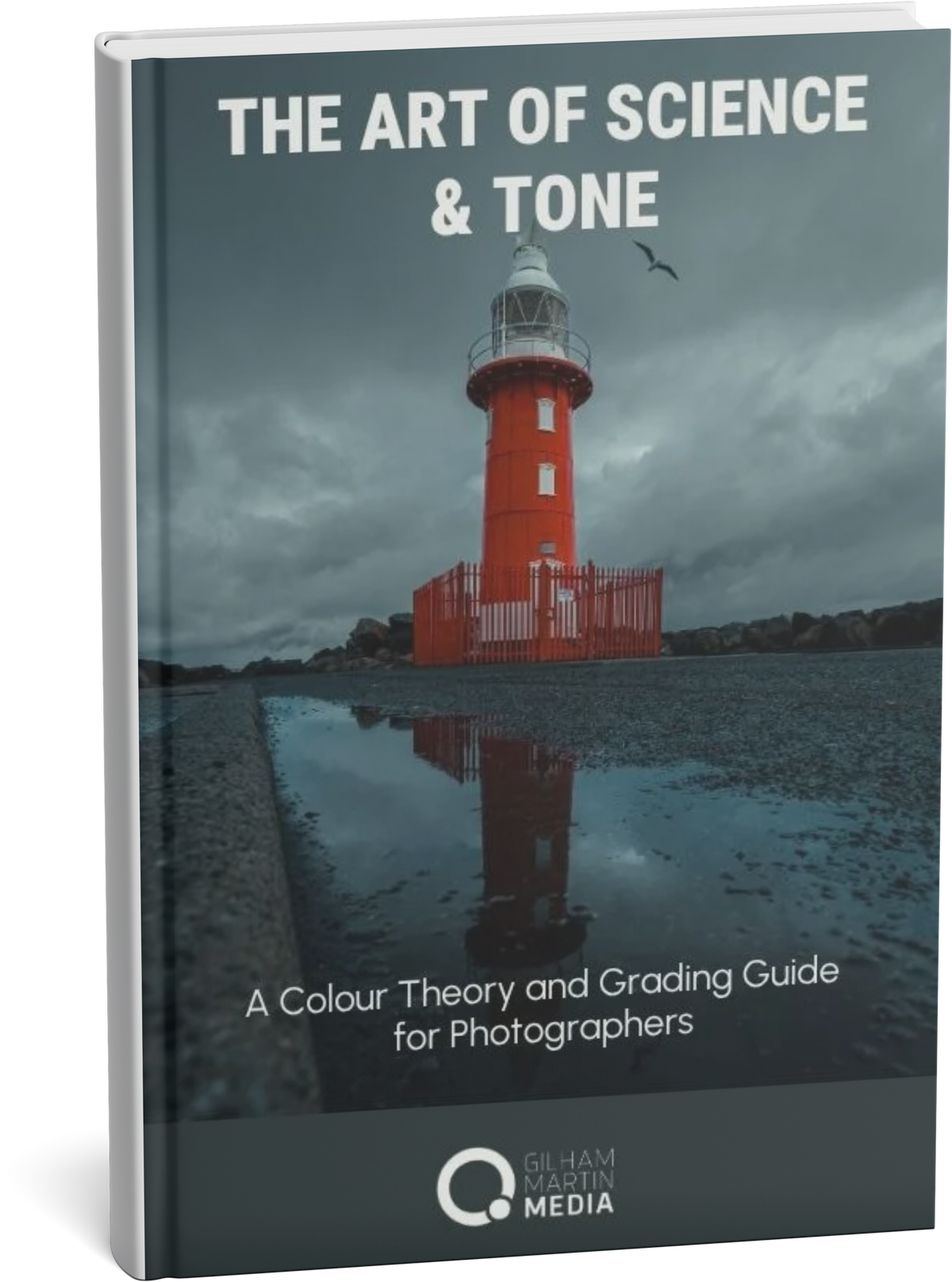
A FREE copy of my eBook, The Art of Science and Tone, giving you an additional resource to continue exploring colour, tone and the creative editing process after the workshop
Knowledge required
This workshop is suitable for photographers who already have a basic understanding of photo editing, but you do not need any previous colour grading experience.
You should be comfortable with:
- Importing and opening images in Lightroom Classic or Adobe Camera Raw
- Making basic adjustments such as exposure, contrast, highlights, shadows and white balance
- Navigating the main editing/develop tools
- Basic use of masks is helpful, but not essential
You do not need to understand colour theory, scopes, vectorscopes or advanced colour grading techniques before attending — that's what we'll be exploring together.
The workshop is designed to help you move beyond simply adjusting sliders and begin understanding why you're making particular colour and tonal choices in your photograph
What to bring
- A laptop with Adobe Lightroom Classic and/or Adobe Camera Raw installed and ready to use
- Your laptop charge
- A mouse or editing tablet if you normally use one
- A notebook and pen if you like taking notes
- Your own RAW images if you'd like to experiment with your own work after the guided exercises
Share